


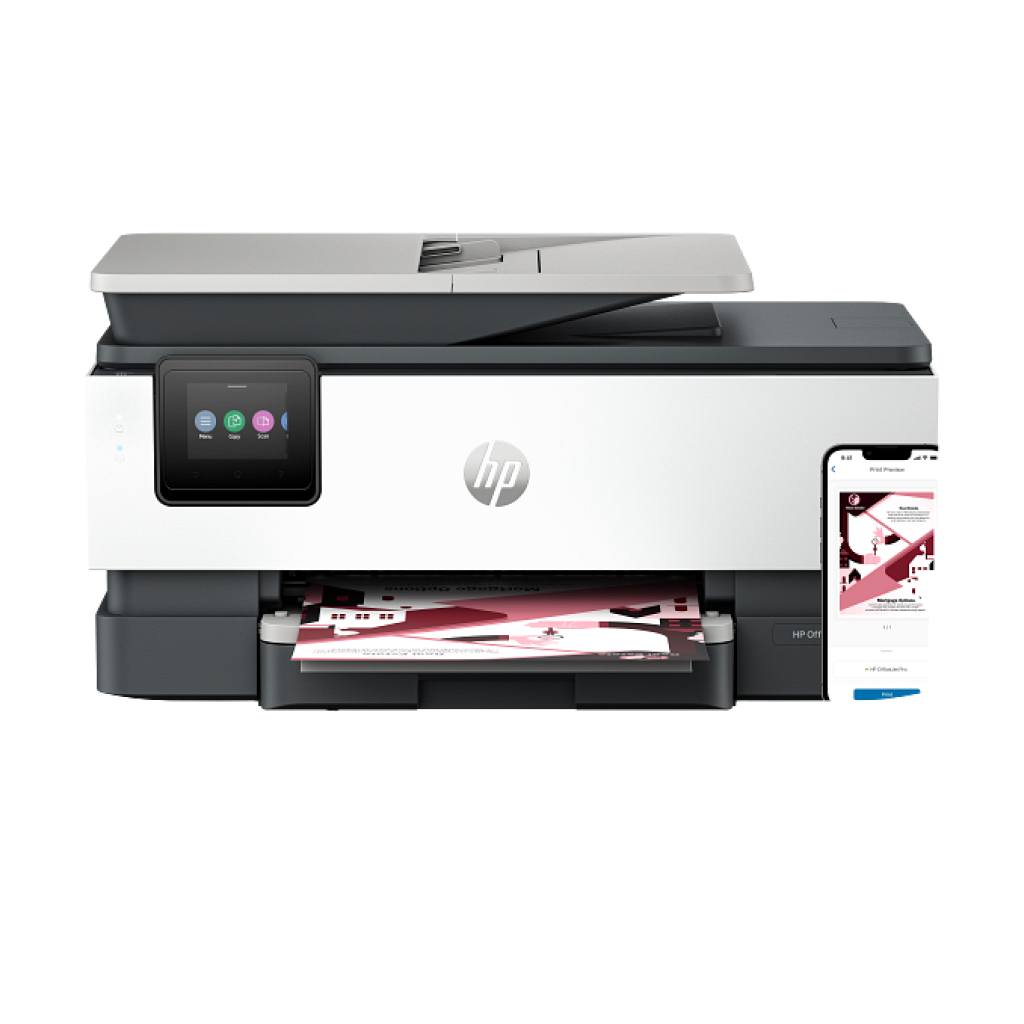
HP OfficeJet Pro 8123 (405W0C) Review: A Complete Guide for Small Offices and Home Users
The HP OfficeJet Pro 8123 (405W0C) is a reliable and versatile all-in-one printer built to meet the demands of small businesses and home office users. It combines speed, efficiency, and high-quality printing in one compact package. Designed with productivity in mind, this model supports a variety of functions such as printing, scanning, copying, and mobile connectivity, making it a top contender among affordable office printers.
1. Design and Build Quality
At first glance, the HP OfficeJet Pro 8123 features a clean, professional look with a sturdy build. Its ergonomic layout allows users to easily access the paper tray and ink cartridges, ensuring minimal downtime. The control panel is intuitive, featuring a simple LCD display that helps you navigate menus, monitor ink levels, and adjust settings with ease.
Despite being an affordable printer, it doesn’t feel flimsy. The materials are solid, and the unit’s overall design complements most office setups without taking up excessive desk space.
2. Key Features and Specifications
The HP OfficeJet Pro 8123 (405W0C) stands out for its range of practical features:
-
All-in-One Functionality: Print, scan, copy, and fax capabilities.
-
Print Speed: Up to 20 pages per minute (ppm) for black and 10 ppm for color.
-
Print Resolution: Up to 4800 x 1200 optimized dpi for high-quality color documents.
-
Connectivity Options: USB, Ethernet, and dual-band Wi-Fi.
-
Mobile Printing: Supports HP Smart App, Apple AirPrint, Mopria, and Wi-Fi Direct printing.
-
Automatic Document Feeder (ADF): Allows batch scanning and copying.
-
Duplex Printing: Automatic double-sided printing to save paper and time.
With these features, the printer provides excellent value for small offices that need efficient document handling and wireless printing flexibility.
3. Setup and Installation
Setting up the HP OfficeJet Pro 8123 is straightforward. You can use the included setup guide or follow the step-by-step instructions on the HP Support website (nofollow).
After connecting the printer to your Wi-Fi network, simply download the HP Smart App, available for Windows, macOS, iOS, and Android devices. The app streamlines driver installation, printer registration, and troubleshooting.
The Smart App also helps users monitor ink levels, manage print jobs, and even order replacement cartridges directly from HP’s store — an incredibly convenient feature for busy users.
4. Printing Performance
Performance-wise, the HP OfficeJet Pro 8123 (405W0C) delivers impressive results. Black text documents print sharp and smudge-free, while color pages maintain vivid, professional tones suitable for marketing materials and reports. The duplex printing mode works efficiently with minimal lag, making it ideal for high-volume workloads.
The printer’s energy efficiency also deserves praise. It meets ENERGY STAR® standards, reducing power consumption without compromising output quality.
5. Connectivity and Compatibility
The printer supports various connectivity methods, making it adaptable to multiple environments. Whether you prefer a wired Ethernet connection or wireless setup via Wi-Fi, the OfficeJet Pro 8123 ensures stable and fast communication.
Mobile printing is a highlight — with AirPrint for Apple users and Mopria for Android, you can print directly from your smartphone or tablet without needing extra software.
For businesses using cloud storage, the printer integrates seamlessly with platforms like Google Drive and Dropbox (nofollow), allowing quick access to documents stored online.
6. Troubleshooting and Maintenance
Routine maintenance helps keep your printer running smoothly. If you encounter paper jams, poor print quality, or connectivity issues, HP offers a detailed troubleshooting guide (nofollow). You can also use the HP Smart App’s built-in diagnostic tool to automatically detect and resolve common issues.
To maintain optimal performance, keep firmware updated and replace ink cartridges only with genuine HP 912 or HP 912XL cartridges.
7. Verdict
Overall, the HP OfficeJet Pro 8123 (405W0C) is a solid all-in-one printer for home and small business users seeking dependable performance at a reasonable price. Its combination of speed, print quality, wireless connectivity, and user-friendly setup make it a worthwhile investment.
If you’re looking for a cost-efficient printer that balances productivity and print quality, the OfficeJet Pro 8123 should be high on your shortlist.

Reviews
Clear filtersThere are no reviews yet.